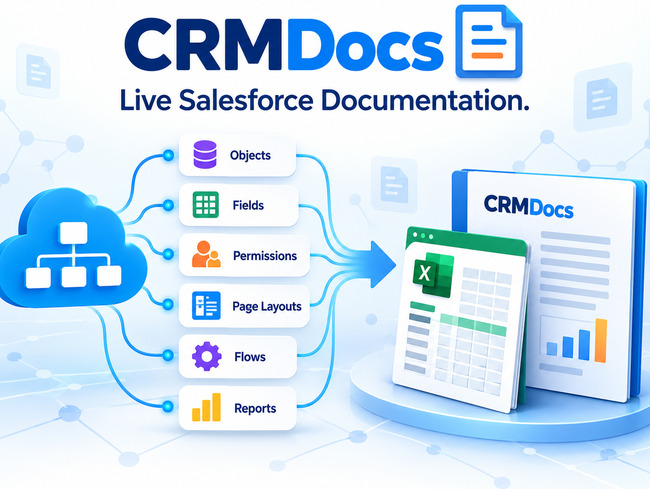
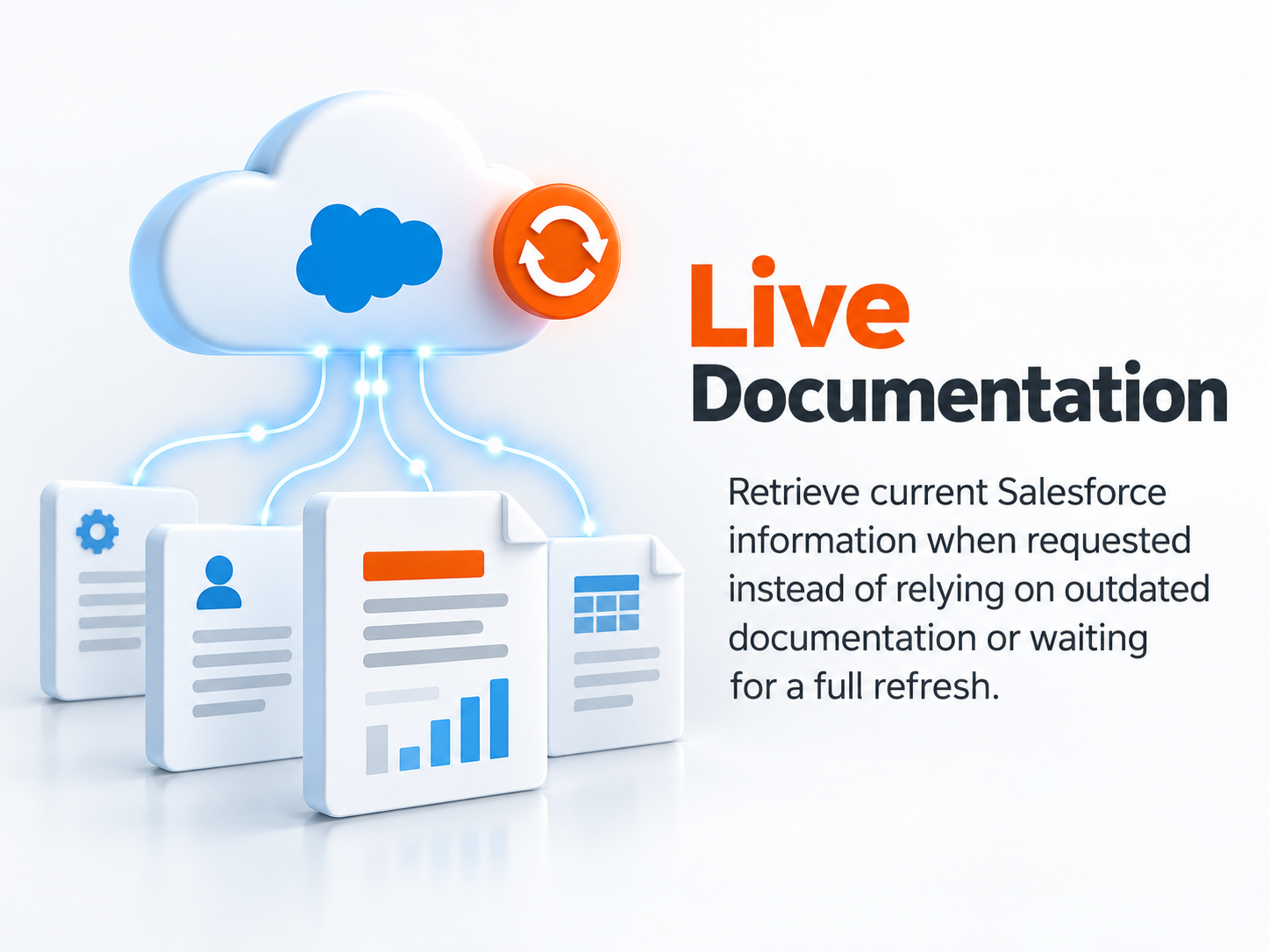
CRMDocs® provides live, on-demand access to Salesforce users, security, objects, metadata, integrations, source code, and component dependencies. Current Salesforce information is retrieved when requested and transformed into organized, readable tables.
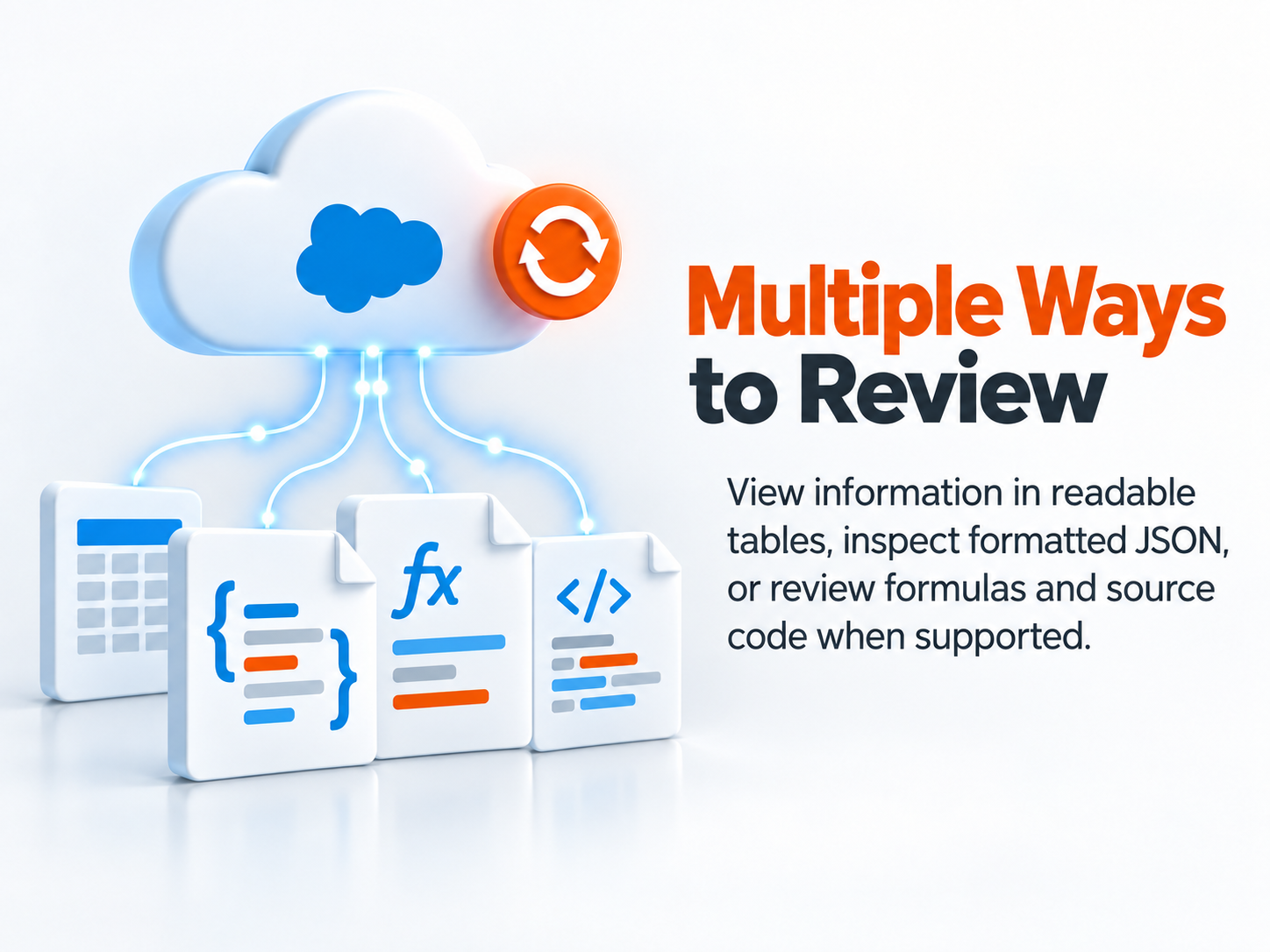
Administrators can review the displayed tables, inspect the complete formatted JSON, and view formulas or source code for supported components—without waiting for a full documentation refresh.
User Documentation
- User Information
- Permission Sets
- Permission Set Groups
- Permission Set Licenses
- Package Licenses
- Public Groups, Queues, User Sharing, and Territories (displayed together on the same page)
- Object and Field Permissions
Additional User Access
- System Permissions
- Apex Classes
- Visualforce Pages
- Custom Permissions
Permission Sets and Permission Set Groups
Review Permission Set assignments, Permission Set Group composition, muting assignments, and permissions at both the Permission Set and Permission Set Group levels.
- Permission Set Information
- Permission Set Assignees
- Permission Set Group Information
- Permission Set Group Components
- Permission Set Group Assignees
- Muting Permission Set Assignments
- Object Permissions for Permission Sets and Permission Set Groups
- Field Permissions for Permission Sets and Permission Set Groups
Object Documentation
- Object Details and Information
- Fields and Picklist Values
- Object and Field Permissions
- List Views, Duplicate Rules, and Matching Rules (displayed together on the same page)
- Compact Layouts and Search Layouts (displayed together on the same page)
- Action Overrides, Fields, List Views, Record Types, Web Links, and Field Sets (displayed together on the same page)
- Validation Rules
Custom Metadata Types
- Custom Metadata Type Information
- Fields
- Records
Additional Salesforce Components
Retrieve live metadata and display component information in organized tables, with the option to view the complete formatted JSON.
- Page Layouts
- Record Types
- Lightning Record Pages (FlexiPages)
- Flows
- Workflow Rules
- Profiles
- Reports
- Dashboards
Rules, Triggers, and Apex Code
Retrieve live component information and display it in organized tables. Users can also review the complete formatted JSON and, when applicable, view the component formula or source code.
- Validation Rules—including Formula View
- Apex Triggers—including Code View
- Apex Classes—including Code View
External Connections and Integrations
- Remote Site Settings and Remote Proxies
- Named Credentials
- External Credentials
- External Client Applications
- Connected Apps
- Authentication Providers
- External Data Sources
Component Dependencies
Identify where Salesforce components are used and understand the relationships and dependencies among objects, fields, Apex classes, triggers, flows, pages, and other metadata components.
Live Data and Available Views
| CRMDocs Component | Table View | Formatted JSON | Formula or Code View |
|---|---|---|---|
| Users, Access, and Permissions | Yes | Yes | Not Applicable |
| Objects, Fields, and Layouts | Yes | Yes | Not Applicable |
| Record Types and FlexiPages | Yes | Yes | Not Applicable |
| Flows and Workflow Rules | Yes | Yes | Not Applicable |
| Profiles | Yes | Yes | Not Applicable |
| Reports and Dashboards | Yes | Yes | Not Applicable |
| External Connections | Yes | Yes | Not Applicable |
| Validation Rules | Yes | Yes | Formula View |
| Apex Triggers | Yes | Yes | Code View |
| Apex Classes | Yes | Yes | Code View |
Live Salesforce metadata—organized, readable, and ready when you need it.
|
|
|
|
|
|
|
|